Telegram account preparation product
Prepare Telegram accounts with a controlled warm-up workflow.
Keep sender accounts organized, reopen them without repeating the setup step, and use repeatable login flows for account preparation.
Hulkgram Accounts Warmer ProPublic product page
At a glanceProduct details
Telegram account preparation workflows for operators who need stored sign-in state and repeatable reuse.
Product details
Clear points you can review on the page.
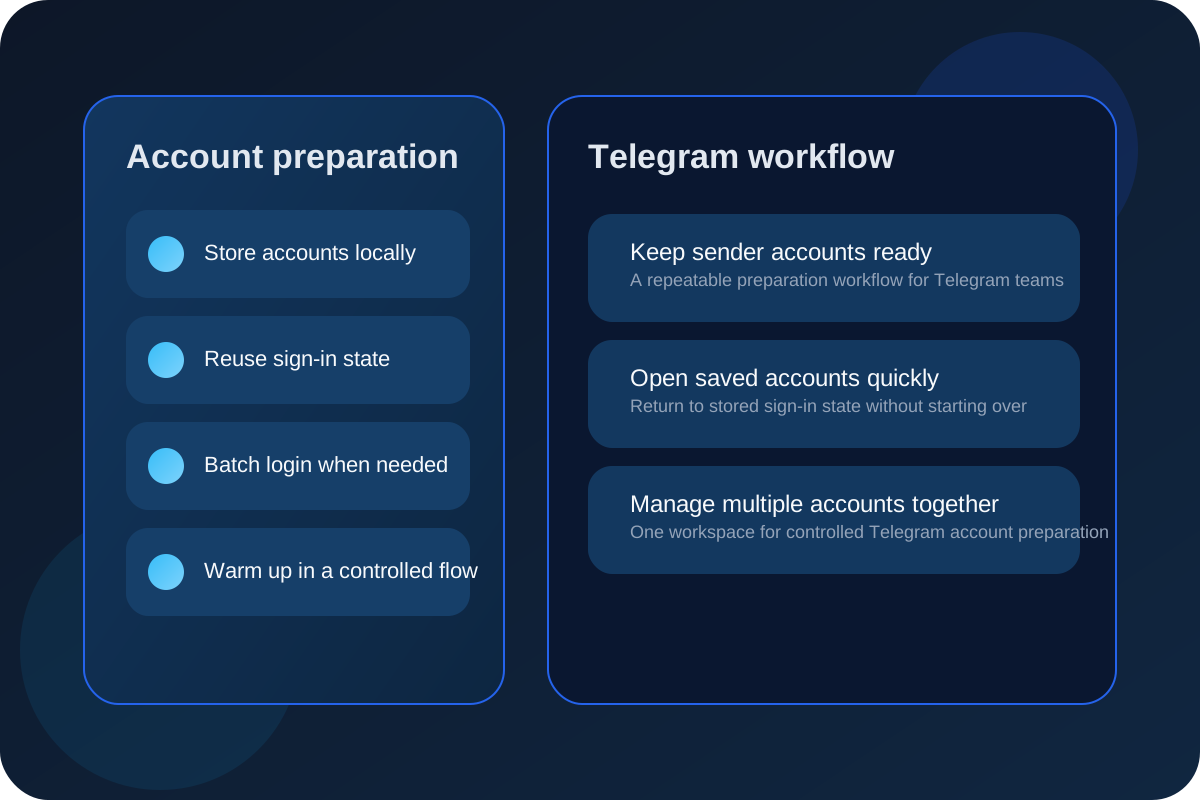
- Store sender accounts locally for reuse.
- Reopen an account without repeating the initial setup step.
- Use batch login for multiple sender accounts.
- Keep warm-up activity in one workspace.
- Move through accounts in a controlled order.
- Keep sign-in state available for later sessions.
- Prepare accounts before sending campaigns.
- Manage multiple sender accounts without mixing them up.
- Keep the warm-up flow repeatable for operators.
- Use the product as a Telegram account preparation tool.
Workflow
How the product works in practice.
01
Add senders
Register the accounts and let the app store them locally.
02
Sign in once
After the first setup, reopen the account without repeating the full sign-in path.
03
Batch login
Use Login All Selected to bring multiple accounts into the same session.
04
Warm gradually
Run the controlled warm-up flow to keep account preparation steady over time.
FAQ
Quick answers before you reach out.
What does Accounts Warmer Pro do?
It helps you prepare Telegram accounts, keep sign-in state, and reuse accounts in a repeatable workflow.
Does it mention other messaging apps?
No. The public product copy stays focused on Telegram only.
How do I ask a question about it?
Use the official Telegram team link or the public email address shown on the contact page.
Product focus
Telegram account preparation product
The public name is standardized as Hulkgram Accounts Warmer Pro and presented as one of the two product lines.
Support
Talk about Accounts Warmer Pro
Use the official Telegram team link or email address from the contact page.